
Consistent characters
The same face in every shot
Train a character from your photos once, then put it in any scene, style or video by typing its name.

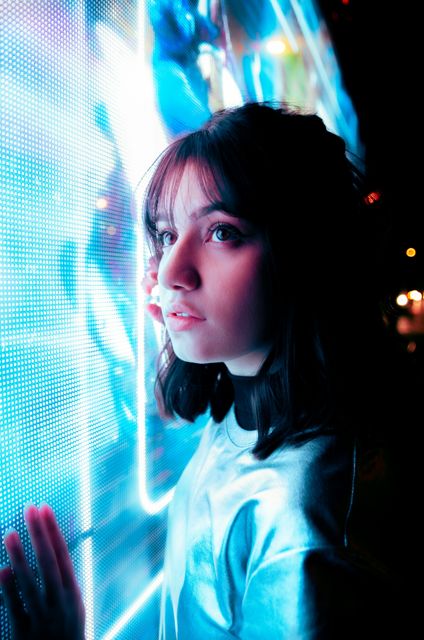



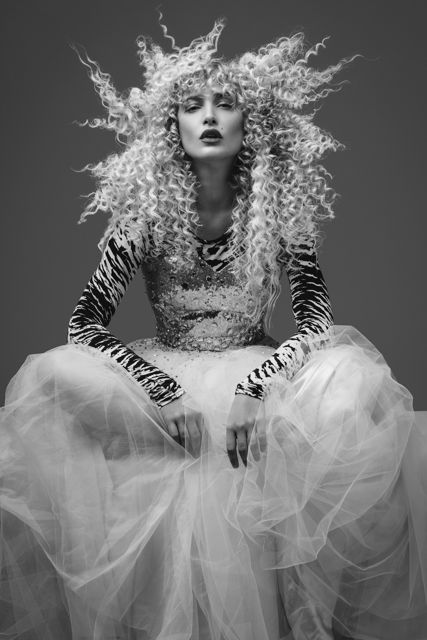
Your characters
How it works
- 01
Upload photos
5 to 20 clear photos of one person, from different angles.
- 02
Train
We learn the face and features in a few minutes.
- 03
Use it anywhere
Type @name in any image or video prompt. Same person, every shot.
Questions
How many photos do I need?
At least 5. Ten to twenty varied photos give the most consistent results.
Who can I make a character of?
Yourself, or someone who has agreed to it. Don't use photos of other people without their permission, and never of minors.
Who can see my character?
Only you. Characters are private to your account and you can delete them at any time.
How do I use it?
Type @ followed by its name in any image or video prompt, for example “@maya on a beach at sunset”.
Does it work for video?
Yes. Make an image with your character, then animate it, or mention it directly in a video prompt.