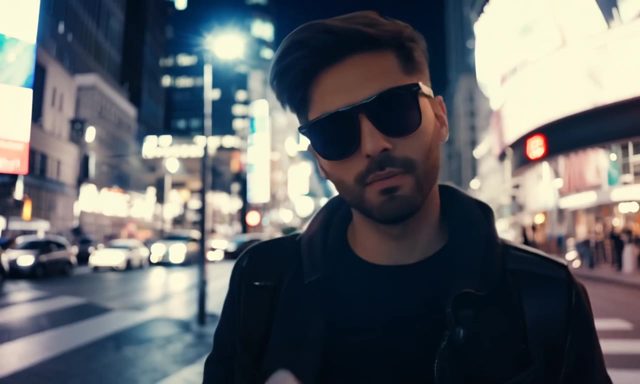
How to put two consistent characters in one AI video scene
Elements, start frames and a shared look: the three things that keep two faces the same from shot to shot.
6 min read · 18 Oct 2026
The hardest thing in AI film is not a beautiful shot, it's the second shot: the same two people, the same light, a different angle. Here's the workflow that works best in Artlio today.
1. Make each character an element
Design both people in the AI Influencer studio, or upload clear photos, and save each as an @element with a short name. One portrait per element is enough to start; add more angles later.
2. Write one look for the whole scene
Decide the palette, the light and the lens once and paste the same words into every prompt. In Cinema Studio, set the colour palette and lighting scheme and leave them alone for the whole scene.
3. Mention both, every time
Write prompts like “@maya hands @theo the letter, medium shot, window light”. Keep the order of the names consistent, and describe who is on the left and who is on the right.
4. Lock the frame when it matters
For dialogue, generate a still of both characters first, then animate it with a start frame. The video can only move from a picture that's already right.